45s
3 × 1 in
The standard strip: the song titles above and below, the artist in the middle.

Search by artist and song, take a photo of the label, or import a list. The artist, titles, label and year fill in from Discogs.
Choose a design, fonts and colors. Save it as your default, or give each jukebox its own style.
Download a PDF with cut lines on Letter, Legal, Tabloid, A4 or A3, then cut the strips apart.
Strips print at the size your jukebox takes. Each record gets the right kind of strip on its own.
3 × 1 in
The standard strip: the song titles above and below, the artist in the middle.
3 × 1 in
When side B is by a different artist, both names go on the strip.
3½ × ½ in
A narrow strip for each side, for jukeboxes that play 78s.
Got a CD jukebox? See CD jukebox title cards
Classic, vintage and holiday looks. Pick one, then change any color or font.
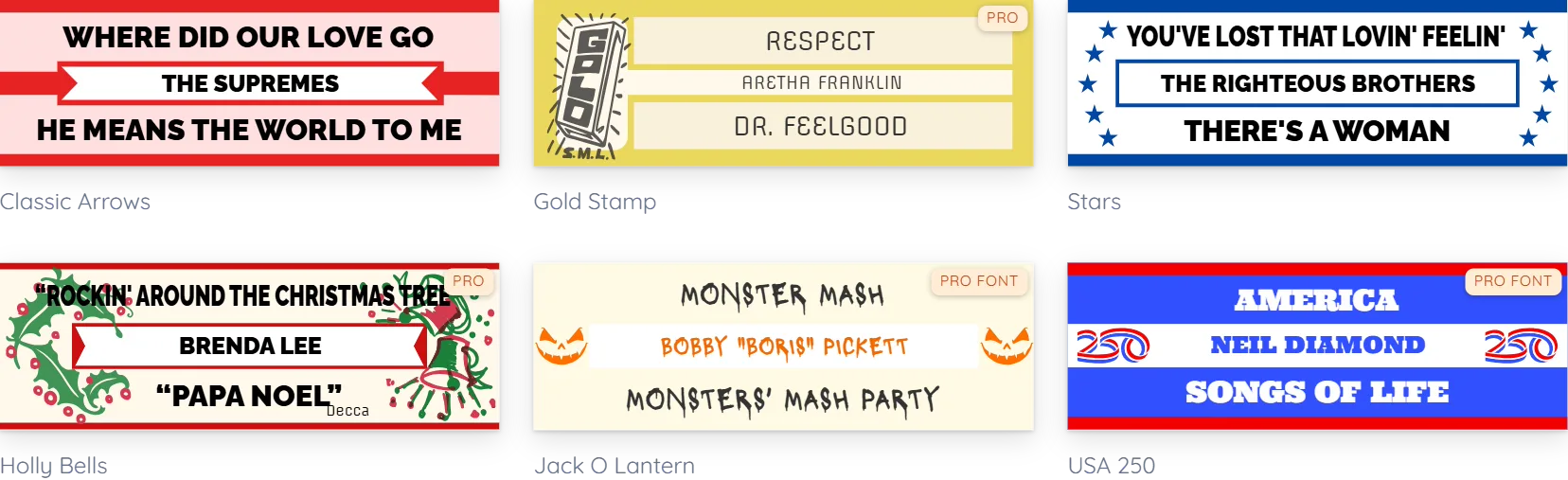
Yes. The free plan includes every classic, two-artist and 78 design and some of the holiday ones, 7 saved designs of your own and up to 50 strips per print set. Pro designs and fonts are free to try, and the free PDF prints them in a standard design and font. Pro unlocks them all.
Most 45 jukeboxes take the standard 3 × 1 in strip, including Seeburg, Wurlitzer, Rock-Ola and AMI/Rowe machines. 78 strips print at 3½ × ½ in. Print one page first and hold a strip against one of yours.
Yes. Edit a record to fix a title or shorten a long one, and the strip updates as you type.
No. It works in your browser on a computer, tablet or phone.
Yes. CD jukeboxes get title cards, with the tracklist filled in. See CD title cards
Start free. Your first strips can be ready to print in a few minutes.
See how printing works →