Artist and song
Type the artist and a song, like The Beatles Yesterday, and pick your record from the results.

The fast way to add records
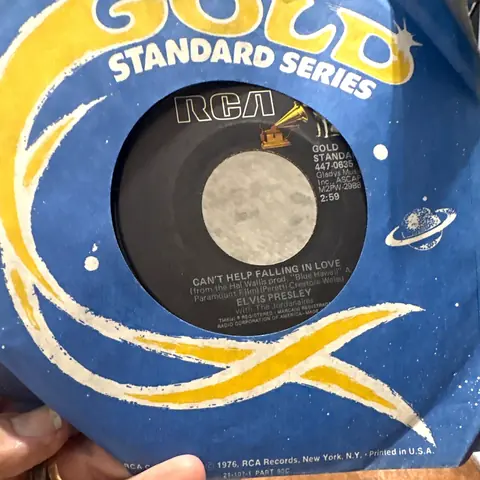
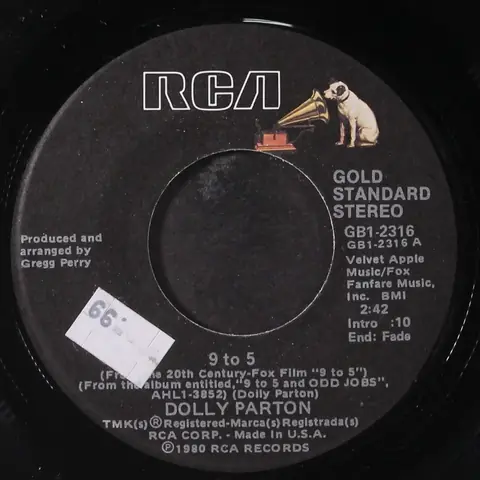
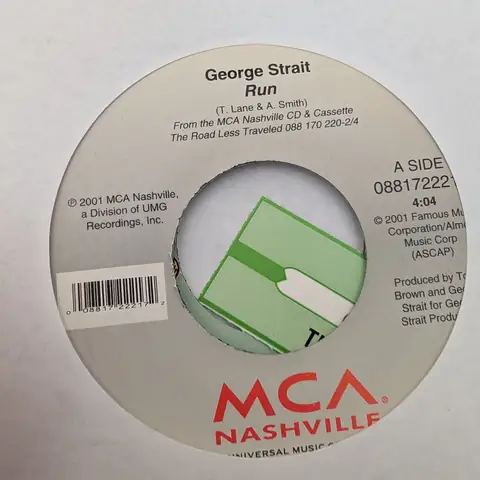
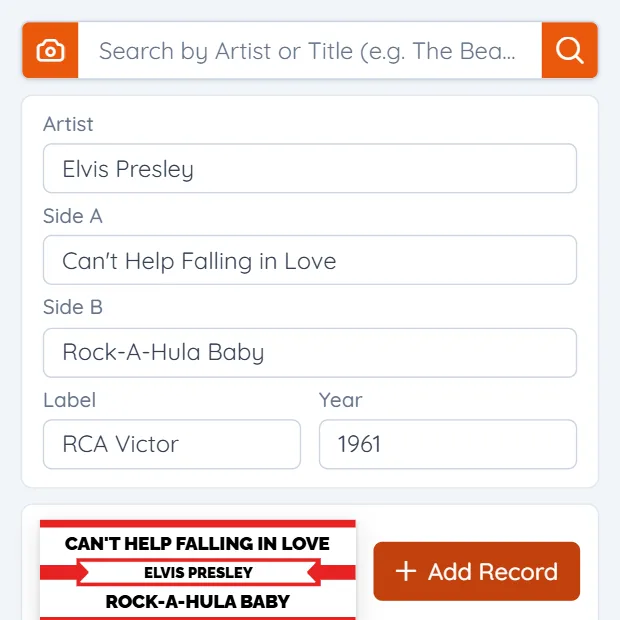
Take a photo of a 45 or 78 label and we'll find the record and fill in the artist, both song titles, the label and the year. No photo? Search by artist, catalog number or Discogs ID, or type it in.
Take a photo of a record's label
Free to start • 50 photo lookups a month free • Works on your phone
In Add Record, tap the camera beside the search box.
Fit the whole label in the picture. We read the text and look the record up on Discogs.
Choose the right pressing from the matches, check the details and save it.
Each search fills in the details from Discogs, and you can change anything before you save.
Type the artist and a song, like The Beatles Yesterday, and pick your record from the results.
Type the number printed on the label, like 4-42456. If it's a common number, add the artist or label too.
Paste a Discogs release ID or link to get that exact pressing.
Type the barcode from the CD case.
Can't find it anywhere? Enter the artist and song titles yourself.
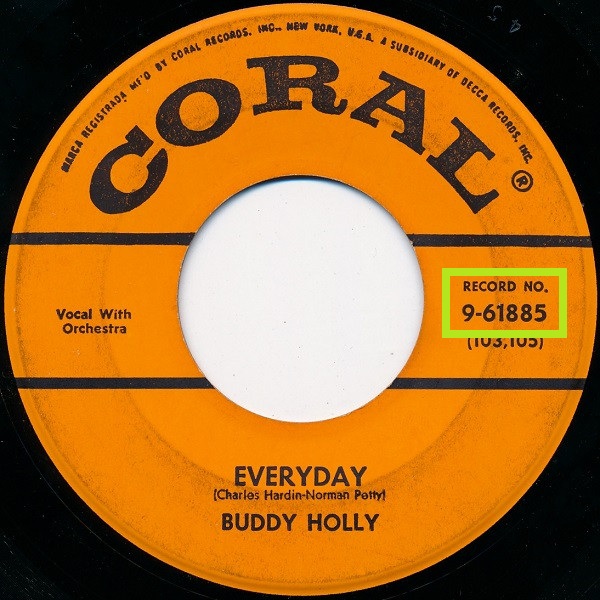
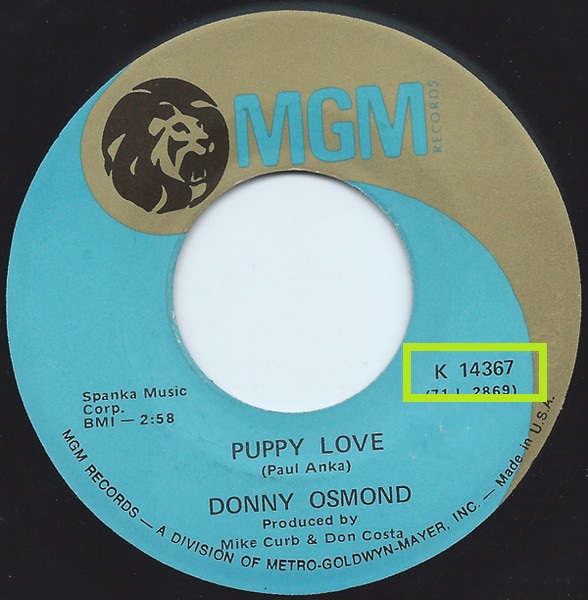
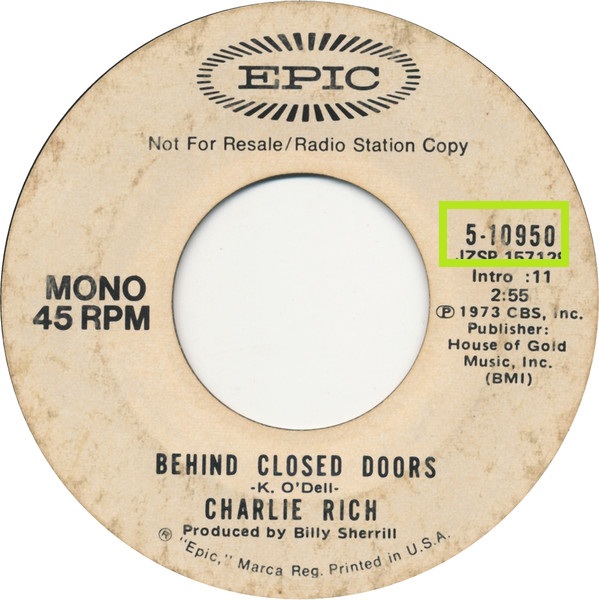
It's printed on the label, usually near the edge, and sometimes after words like Record No. Type it as you see it.
Yes. The free plan includes 50 photo lookups a month, and Pro includes 400. Searching and typing records in have no limit.
Photos work for 45 and 78 labels. For a CD, search by artist and album or type the barcode from the case.
Nothing is saved until you pick the match, and you can change any detail before you save.
From Discogs, the music database collectors use, so the label, year and catalog number come with it.
Yes. Open Jukebox Tools in your phone's browser and take the photo right there.
Start free. Take a photo and watch it fill in.
See what you can do with your collection →