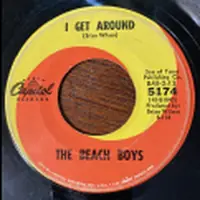
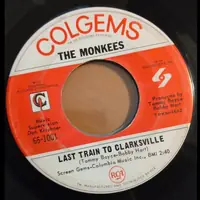
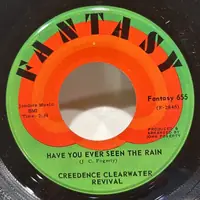
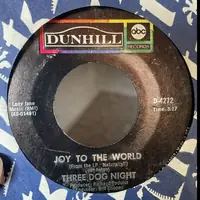

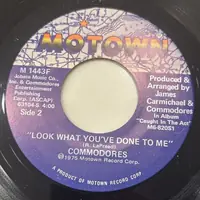
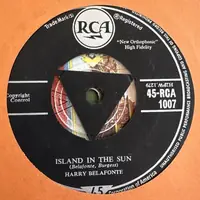
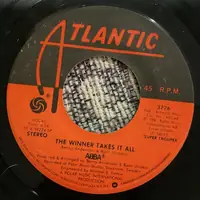
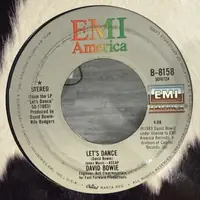


Discogs
Connect your Discogs account and pick a folder. Records already in your collection are skipped.

Bring your records with you
Already have a list? Bring it in from Discogs, a spreadsheet, JukeStrips Create-A-Label or lowProfile JukeBox 6, or upload a batch of label photos. Hundreds of records at once, and you can watch the progress.
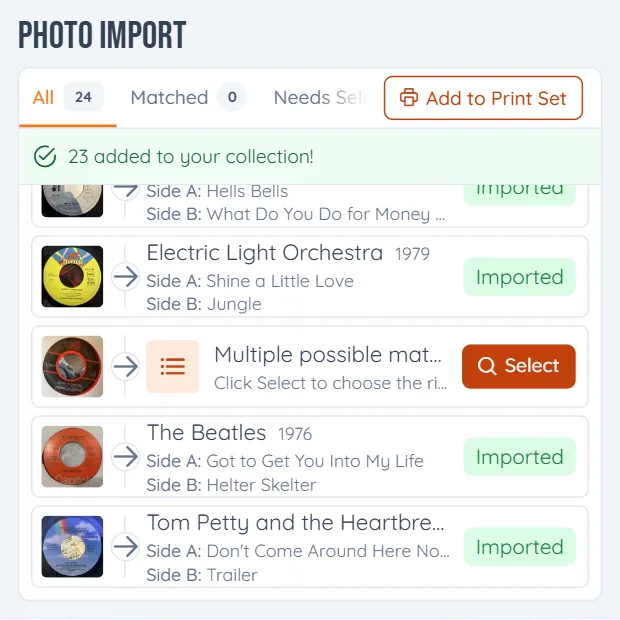
Bring them in from Discogs, a spreadsheet, or just photos
Free to start • No limit on records • Works in your browser
Pick where your list lives. Each one has its own importer.
Connect your Discogs account and pick a folder. Records already in your collection are skipped.
Upload the file and match your columns to the fields, including fields of your own. From Google Sheets, download it as .xlsx first.
Upload your JukeStrips database, the .jdbx file.
In lowProfile, choose Utilities, then Export Record Data to CSV, and upload that file.
Upload the CSV file Mike's Arcade exports. The columns match up on their own.
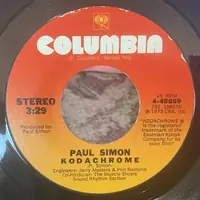
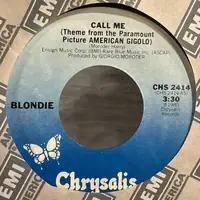
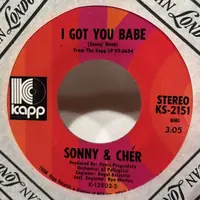
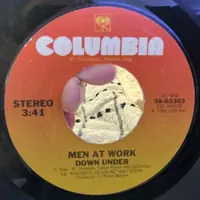
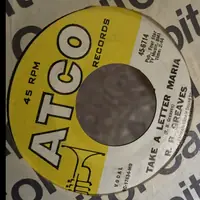
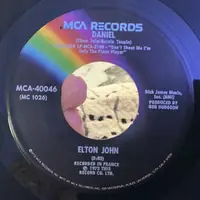
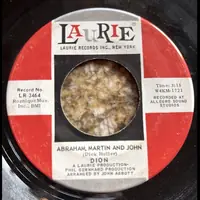
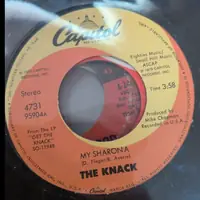
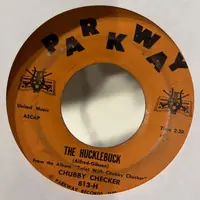
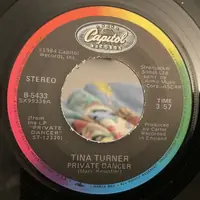
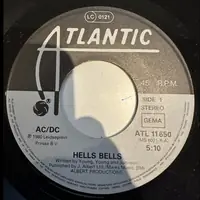
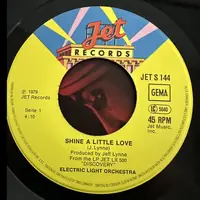
Upload a batch of photos. Each label is identified, and you check them before anything is imported.
Discogs, a spreadsheet, JukeStrips, lowProfile, Mike's Arcade or a batch of photos.
For a spreadsheet, say which column is the artist, side A and so on. Extra columns can go into fields of your own.
The import shows its progress as it goes. When it's done, your records are ready to print.
Yes. Importing is free, with no limit on records. Photo imports use your monthly photo lookups: 50 on the free plan, 400 on Pro.
No. Records already in your collection are skipped, so only the new ones come in.
Yes. Match your columns to the fields when you upload. Anything that doesn't fit can go into a custom field you make.
Upload photos of your labels in a batch, or add records one at a time by photo or search. See the ways to add records
Yes. Export your collection to an Excel file at any time.