
How it works
Set up your jukebox
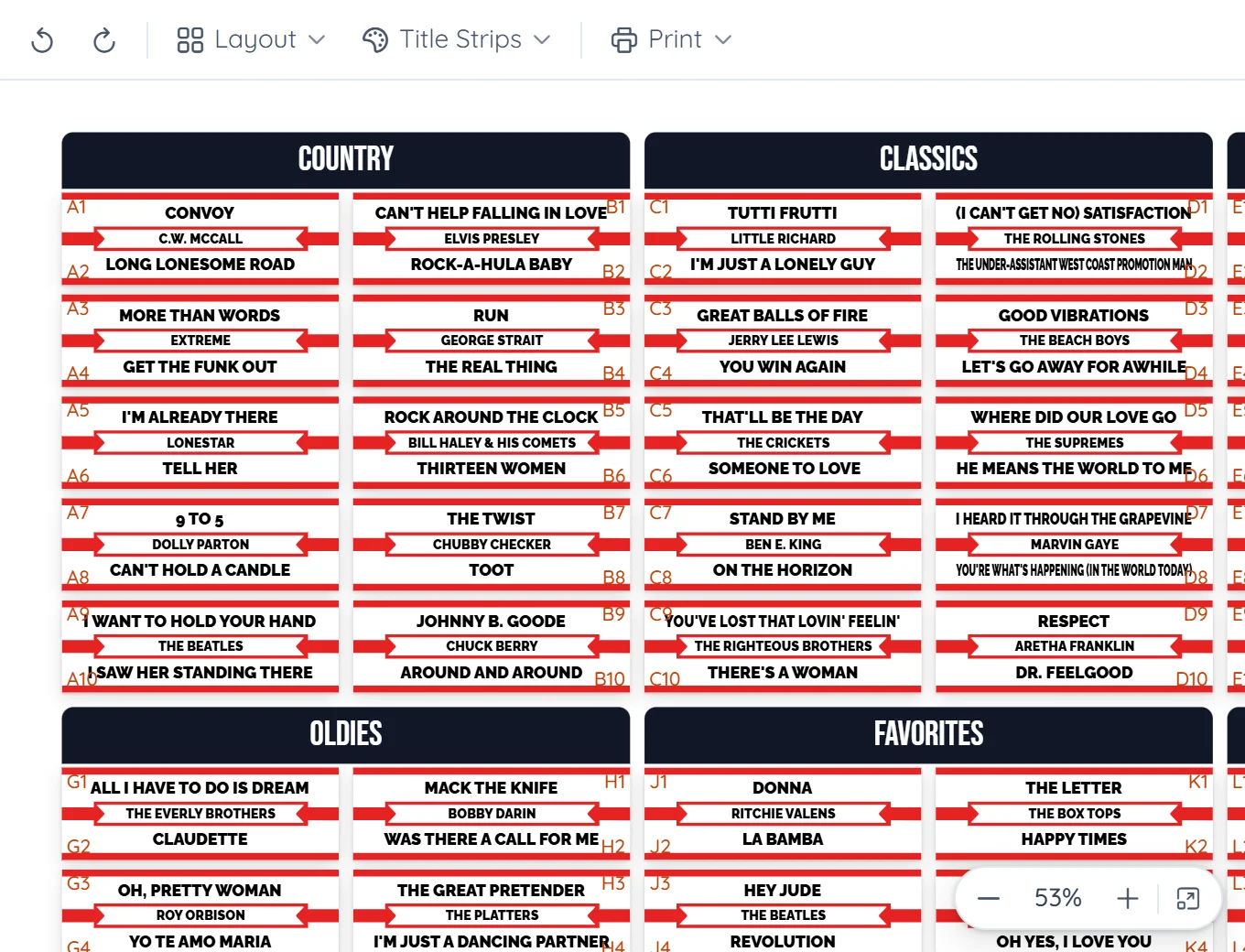
Choose the brand and model, then set the panels, the columns in each panel and the records in each column. Add panel headings if your jukebox has them.
Fill it
Drag records in from your collection, or let Fill Empty add the ones you haven't placed yet. Shuffle, compact or clear in one click.
Print or share
Make a PDF of the layout, add it to a print set, or share a link to it. Or click Simulator and play it as a jukebox.
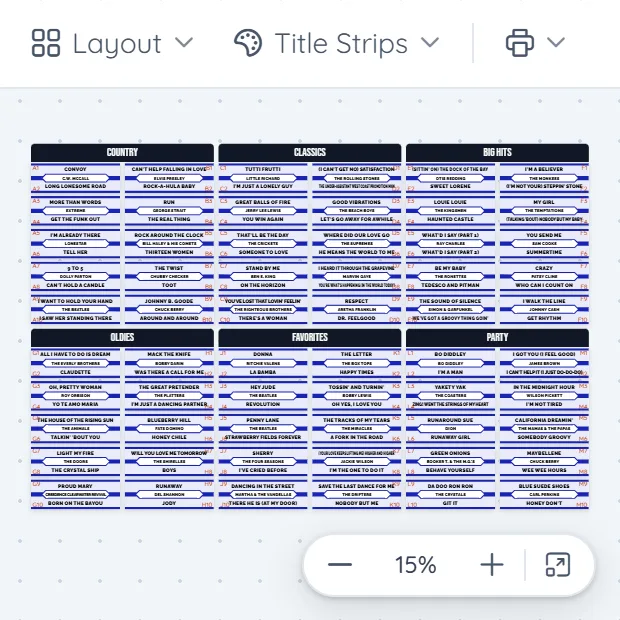
Drag records into place, or onto each other to swap
Move things around until it's right
- Selection codes. Show the codes, like A1 and B2, beside every song so you know where each record goes.
- One look for the whole jukebox. Change every strip's design at once, or randomize them for a mixed look.
- Undo and redo. Try an idea, and take it back if you don't like it.
- More than one layout. Keep a layout for each season or party, and switch between them.
- Share it. Every layout has its own page you can send to a friend or post on Facebook.
- A log for each machine. Note when you bought it, repairs and moves, and what they cost.
Questions
Is it free?
Yes. A free account has 2 jukeboxes, each with as many layouts as you like. Pro has 10.
Will it match my jukebox?
Set the number of panels, one or two columns per panel and up to 15 records per column, and add the headings your jukebox uses. It works for Seeburg, Wurlitzer, Rock-Ola, AMI/Rowe, NSM and others.
Does it work for 78s?
Yes. Layouts work for 45 and 78 jukeboxes, including two-artist strips. CD jukeboxes aren't in Layout Studio yet.
Can I print just the strips in a layout?
Yes. Make a PDF of the layout, or add it to a print set to print with other strips. See printable title strips
More in Jukebox Tools
Plan your jukebox
Start free. Set up your jukebox and drag in your first records in a few minutes.
See how printing works →