
If your records are already listed somewhere, you don't have to type them in again.
Where you can import from
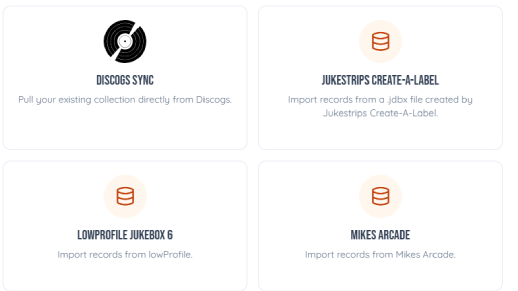
- Discogs: connect your account and pick a folder. Records already in your collection are skipped.
- Excel, CSV or Google Sheets: upload the file and match your columns to the fields. From Google Sheets, download it as .xlsx first.
- JukeStrips Create-A-Label: upload your .jdbx database.
- lowProfile JukeBox 6: in lowProfile, choose Utilities, then Export Record Data to CSV, and upload that file.
- Mike's Arcade: upload the CSV file it exports.
How to do it
- Go to Import and click Import Music.
- Pick where your list is.
- For a spreadsheet, say which column is the artist, Side A and so on. Columns that don't fit can go into custom fields of your own.
- Watch it run. When it's done, the records are in your collection, ready for title strips.
No list at all? Take photos of your labels and upload them by the stack.