
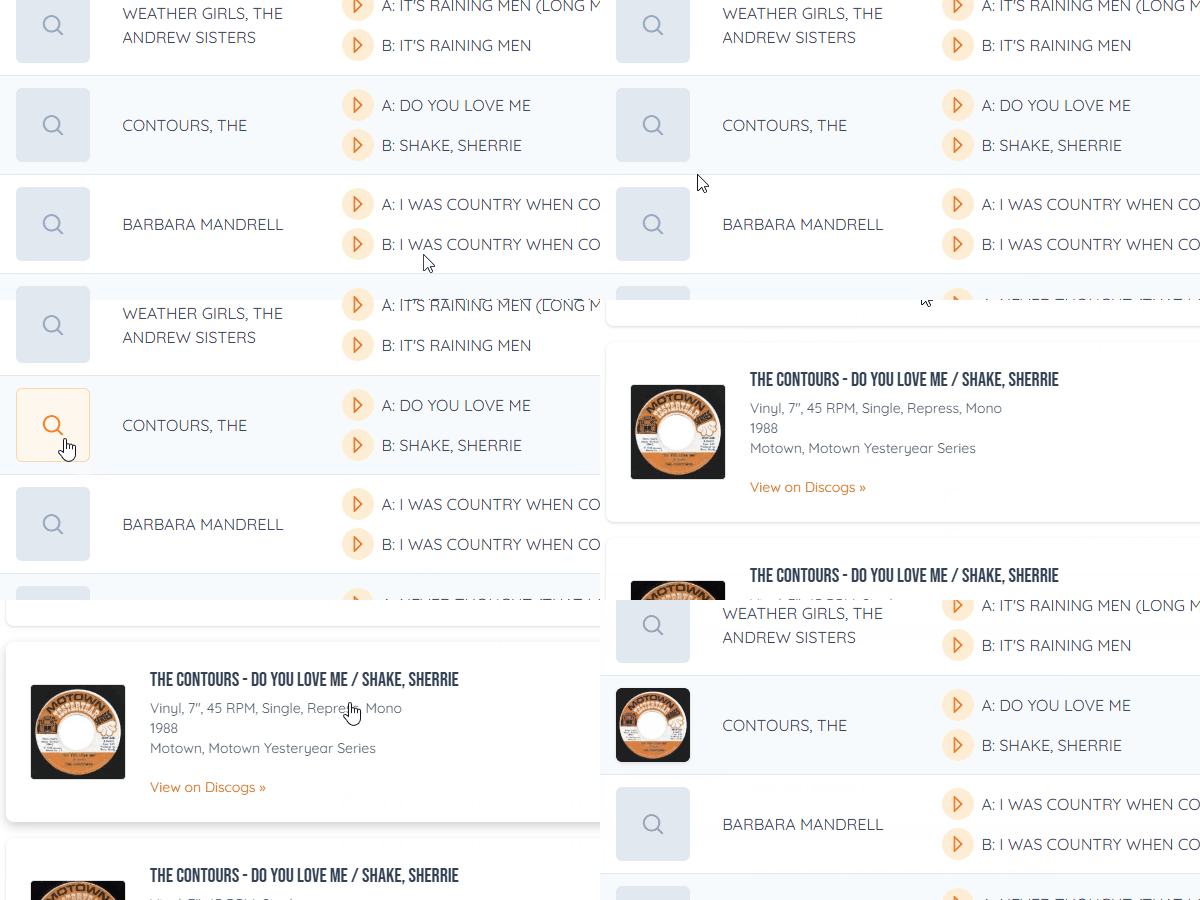
Records you added by hand, or imported from a spreadsheet, often have only the artist and songs. Finding the record fills in the rest, without typing.
How to do it
- In your collection, a record that isn't matched yet shows a magnifier where its picture would be. Click it, or choose Find Record from the record's menu.
- Search for it and pick the right pressing.
- The picture, record label, catalog number, year and genres fill in.
To see only the records that still need it, open your records with missing details. To match a whole list at once, use Find Records.
With the details filled in, your title strips can show the label and catalog number (see more ways to style your strip text), and Advanced Search can filter by year and genre.