
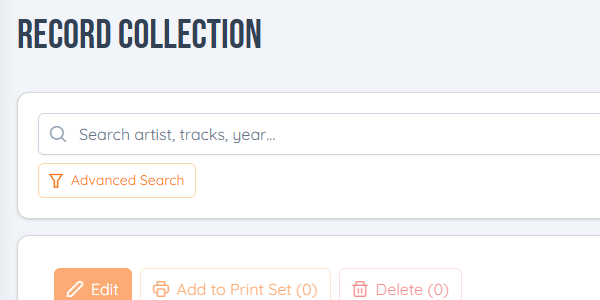
Once a collection runs into the hundreds, typing a name isn't always enough. Advanced Search narrows it down, and the columns show what matters to you.
Advanced Search
In your collection, click Advanced Search and filter by any mix of:
- Format: 45s, 78s, CDs, or more than one
- Year: a whole decade in one click, like 1960s, or single years from the list under the decades
- Genre
- Layouts: the records in a jukebox layout, or the ones in none of them
- Your custom fields, like Condition or Location (see custom fields). A yes/no field has Yes, No and Empty; pick two to see either.
Click Search to see what matches. Each filter you set gets an × to take it off, and Clear all takes them all off.
Advanced Search is in Layout Studio too, above your records, to find the ones to put in a jukebox.
Your columns
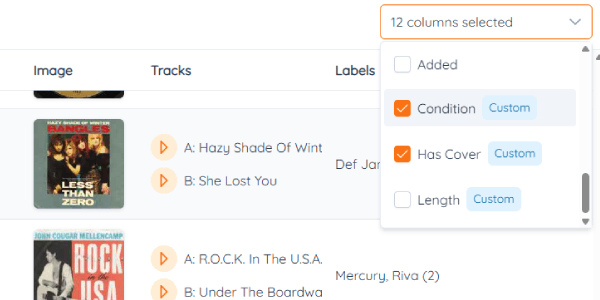
- Choose them: use Select Columns at the top of the table to show or hide columns.
- Order them: drag a column's heading left or right.
- Size them: drag the edge of a heading.
Your columns are saved to your account, so they're the same on every computer you sign in on.