
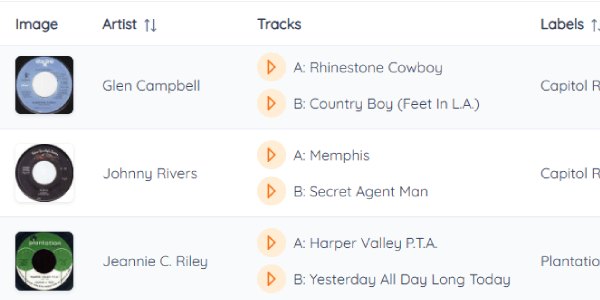
Can't remember how a B-side goes? Each song in your collection has a play button that plays a short clip of it.
How it works
- In your collection, click the play button next to Side A or Side B. A short preview plays, and clicking again stops it. Only one plays at a time.
- It works when you add a record too: the search results have play buttons, so you can check you've picked the right song before you add it.
- The clips come from music services, so most well-known songs have one. Rare pressings and private labels sometimes don't.
It's handy when you plan a layout: play the songs you're not sure about before you decide which panel they go in.