
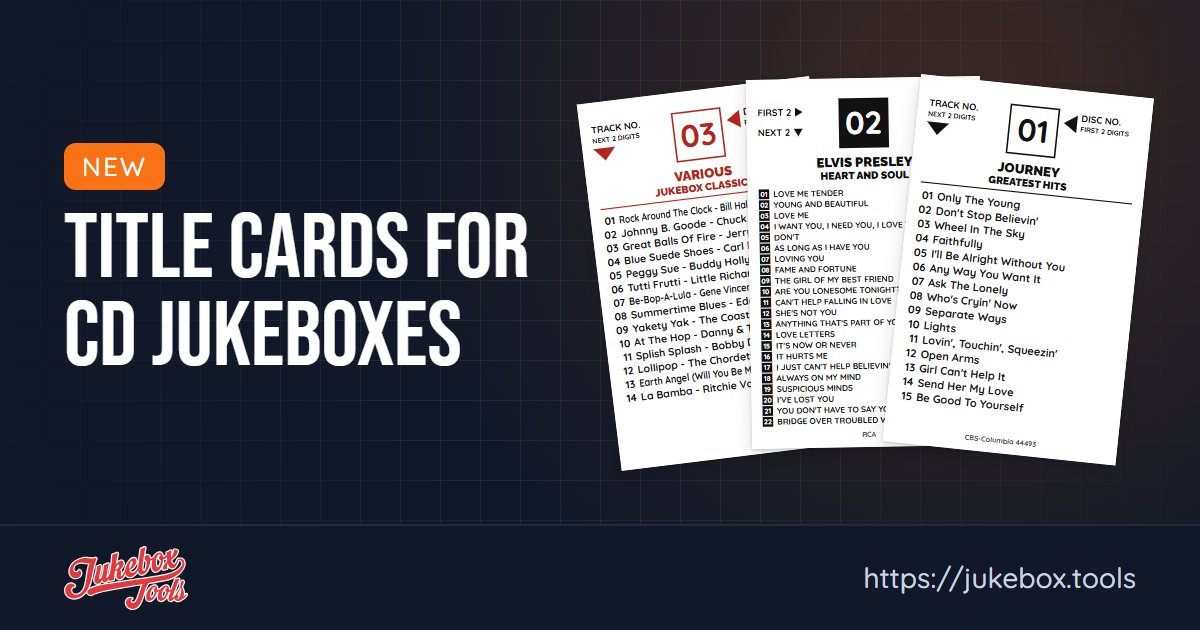
CD jukeboxes have their own title cards: a card per disc, with the disc number and the tracklist. Jukebox Tools now makes those too.
How it works
- Pick your jukebox. Rock-Ola Bubbler, Wurlitzer One More Time, NSM, Rowe, or your own size, so the cards come out the right size.
- Add your CDs. Search by artist and album, or type the barcode, and the tracklist fills in from Discogs. You can also import them from Discogs or upload photos of the covers.
- Print. Make a print set for CD title cards and download the PDF. It has crop marks, and the cards are numbered in disc order.
Not sure which size you have? Measure a card from your jukebox, edge to edge, and print one test page before a full set. More on the CD title cards page.