
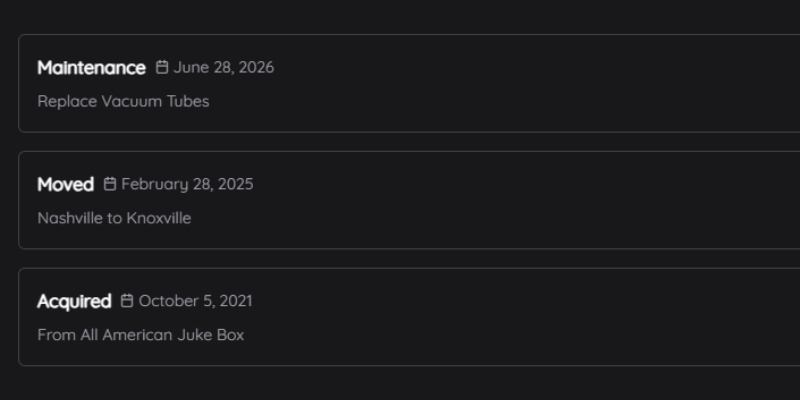
Every jukebox has a story: where it came from, what's been fixed, what it cost. Now each one in Jukebox Tools has a log book to keep it in.
How to use it
- Go to My Jukebox and click Start Log Book (or Open Log Book) on your jukebox.
- Add an entry: the date, what kind it is (Acquired, Maintenance, Moved, Sold or Note), what it cost, and your notes.
- Click Add Entry. The log lists them by date, and you can edit or delete any of them.
It's useful when you sell a machine too: the buyer can see what's been done to it.